

How to mine Brisvia with your PC
Brisvia (BRVA) is mined with the processor of an ordinary computer (RandomX, ASIC-resistant). You don't need graphics cards or expensive gear. In 3 steps, with our app, you start mining.
1
2
Create your wallet
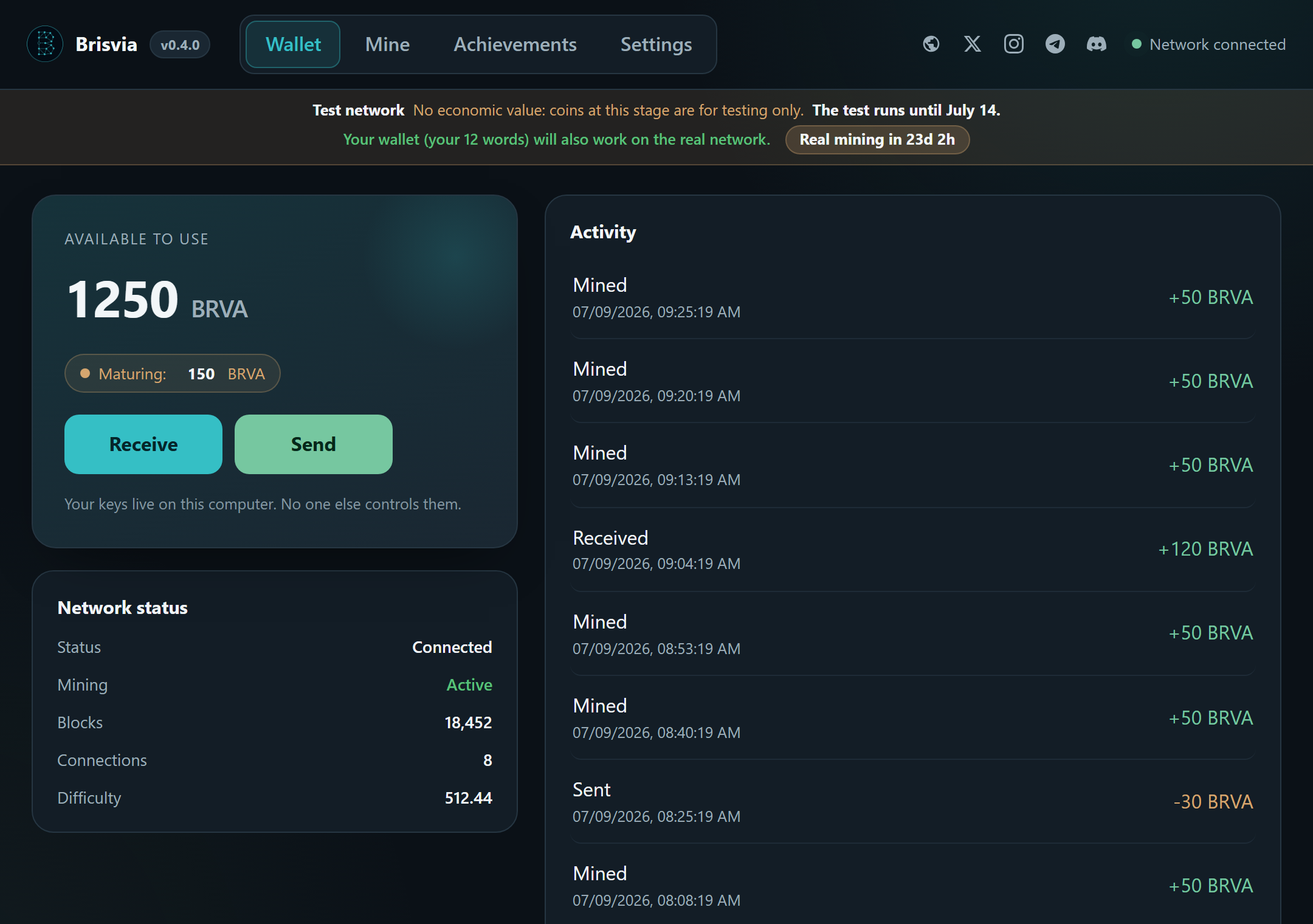
Open the app and create your wallet. It gives you 12 words: write them on paper and keep them safe. They are your only way to access your coins, never share them.
3
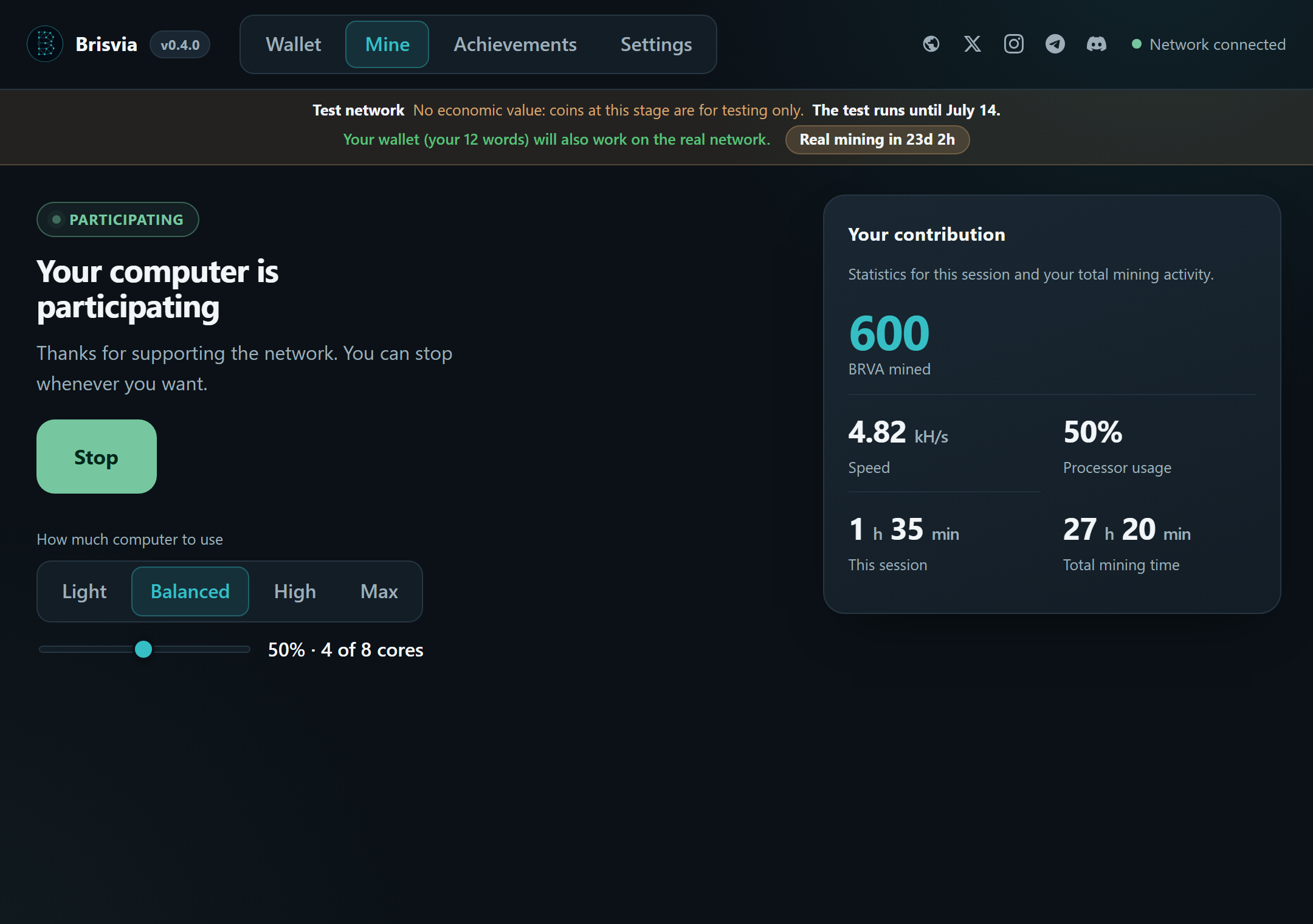
Hit Mine
Press the Mine button. Your processor starts mining Brisvia and you'll see your balance and activity on the same screen. You can leave it mining and close whenever you want.
Real mining (main network) starts on August 1, 2026. Until then you can try everything on the test network with the same app.